Fake Text Story Maker
Write a made-up text chat and download it as an upright video for TikTok, Reels or Shorts, with the bubbles appearing one by one. It is made on your own device: nothing you type is uploaded.
Make your text story video
What you type stays on this device. Nothing is uploaded, and there is no sign-up.
Checking that this browser can make the video…
There is no sound in the video. Add music in TikTok, Instagram or YouTube when you post.
Your video is ready.
Download videoDetails, if you need help
Video files are written with Mediabunny 1.65.0, under the Mozilla Public License 2.0. Get its source code.
A video made with it
How to make a fake text message story
- Name the two people. Their name goes at the top of the chat, next to their initial. Your name is optional.
- Write the messages. Tap Them or You on each one to choose who sends it, and use the arrows to change the order. The example story shows how it works: change every word.
- Pick light or dark. Keep the "Made with Glidezo" line, or switch it off.
- Play the preview. It shows the typing dots and the bubbles exactly as the video will.
- Press Make video. Keep the page open while it works, then download the MP4 and add music where you post it.
Fiction only
Text story videos are a storytelling format: a joke, a short drama, a twist at the end. Every video made here carries a small "Fictional chat" label at the top, on every frame, and the chat has its own look rather than a copy of a real messaging app. Don't use real people's names or private details, and don't present a video as a real conversation. Our content rules apply.
What it can't do
- Two people only: no group chats.
- Text only: no photos, voice notes or reactions in the chat.
- No sound: add music where you post.
- Up to 40 messages and 90 seconds.
- It doesn't work in Firefox on Android yet, or on iPhones older than iOS 16.4.
Skills to use next
 Free download or online
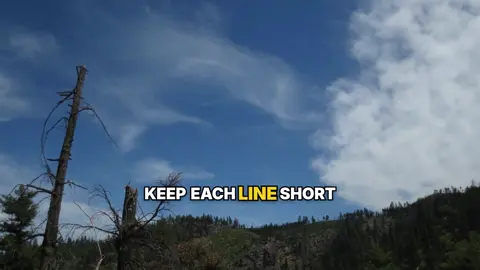
Animated Captions
Word-by-word animated auto captions for talking videos. Run it online, or free on your own computer.
 Free download or online
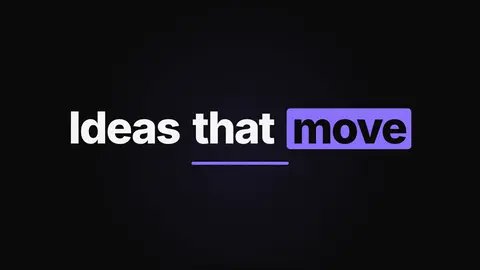
Kinetic Type Title
Turn a line of text into a kinetic typography title clip. Run it online, or free on your own computer.
 Run online
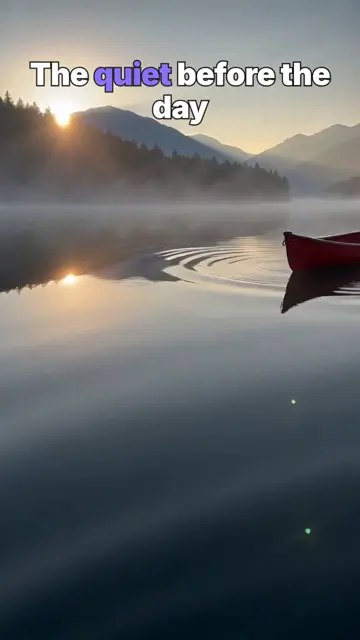
AI Short with End Card
An idea in, a vertical short out: an AI clip with a hook title and an end card in real text.