Image to prompt
Choose an image and get a prompt that describes its subject, light and style, ready to paste into an AI image model.
What this tool gives you
The hardest part of matching a picture is putting into words what makes it work. This tool looks at your image and writes down its subject, composition, setting, lighting, colours, style, and the camera or medium it seems to use.
Treat the result as a first draft. You can change the subject and keep the look, or keep the subject and change the light.
How to use it
- Choose an image you have the right to use.
- Copy the prompt and read it. The model can misread details.
- Paste it into an image model, and compare the result with your image.
- Add what's missing and run it again.
Starting from an idea, not a picture? Try the AI prompt generator. To compare models, see the model guides.
Skills to use next
Run online
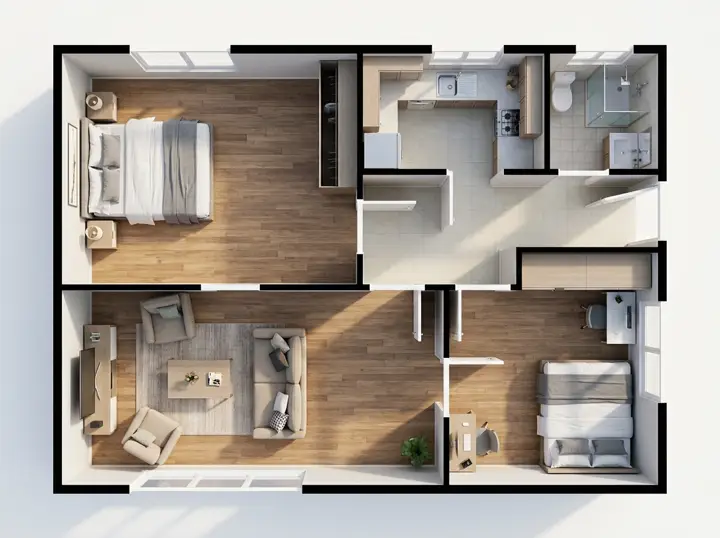
Sketch to Realistic Image
Upload a sketch or a floor plan and get a realistic image with the same layout.
Run online
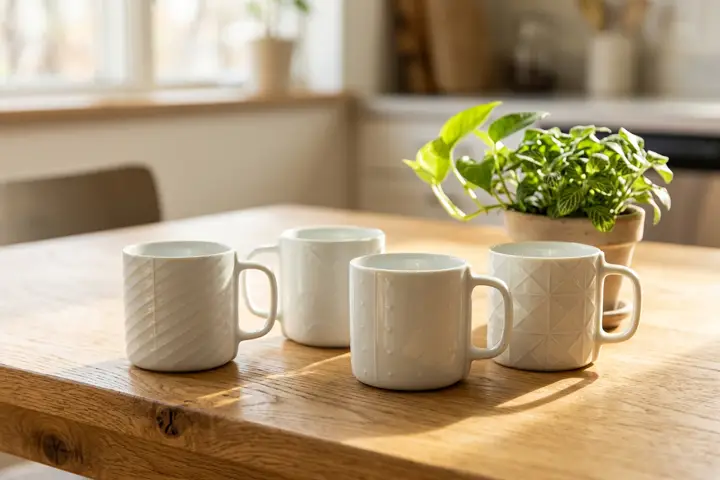
Product Photo in Any Scene
Upload a product photo, describe the scene, and get your product shown there as a new photo.
Run online
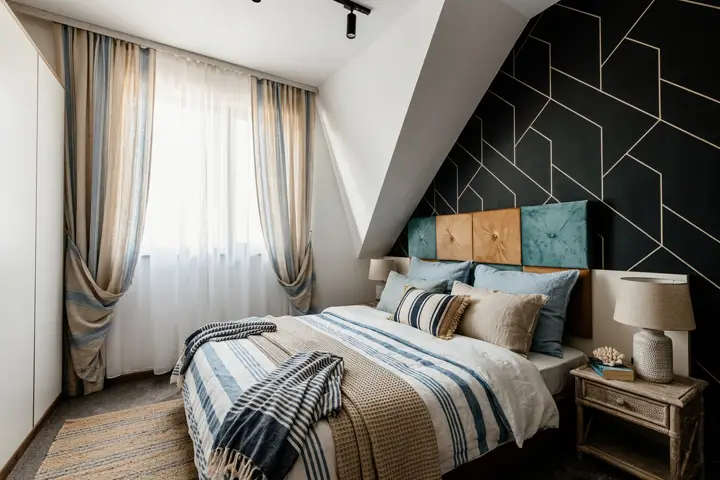
Room Restyle
Try design ideas for your own home by seeing a room in a new style. Not for property listings.
Questions
- Is image to prompt free?
- Yes. It needs no account and no credits. Everyone shares a daily limit, so if it runs out, come back the next day.
- Do you keep my image?
- No. Your browser makes a smaller copy without its location data and sends that. It goes to the AI model and our safety check, and we don't store or log it, or the prompt.
- Which images can I use?
- JPG, PNG and WebP images. Use images you have the right to use. The check refuses images that show a child, sexual content or a public figure, and any image it can't judge. The check can also make mistakes.
- Will the prompt recreate my image exactly?
- No. A prompt describes an image in words, so a model will make something similar, not a copy. Add details the prompt missed and try again.
- What writes the prompts?
- Meta's Llama 4 Scout model, running on Cloudflare Workers AI. It can misread an image, so read the prompt before paying to run it.