Code skill · free
YouTube Thumbnail
A headline and a picture in, a 1280x720 YouTube thumbnail PNG out. Free, renders locally.
Download the skill
Install it in Claude Code, Codex, Cursor and run it on your own computer.
Download .zipInstall
- Download the .zip above and unzip it.
- Put the
youtube-thumbnailfolder in your agent's skills folder, for example~/.claude/skills/youtube-thumbnailfor Claude Code. - Ask your agent for the video. The skill's SKILL.md tells it what to collect and which script to run.
Inputs
Headline (text)
A few big words, up to 40 characters. One phrase from it can be set in the accent colour.
Badge (text, optional)
A short tilted label above the headline, such as Free, New or Part 2 (up to 14 characters).
Background picture (image, optional)
A frame from the video works well. It is darkened on the text side and can be blurred.
Subject (image, optional)
A cut-out PNG (person or product) or a logo. It gets a white outline and a glow.
Text side and colours (text, optional)
Put the text on the left or right; hex colours for the accent, background and text.
Made with
- Engine
- HyperFrames
- Output
- image
- Cost per run
- Free: renders on your computer
The thumbnail decides whether someone clicks. Most of them follow a few rules: a few big words, one of them in a strong colour, a clear subject with an outline so it pops off the background, and nothing important in the corner where YouTube shows the video length.
This skill gives your coding agent those rules as a recipe. Give it the headline and your pictures, and HyperFrames renders a 1280x720 PNG on your machine.
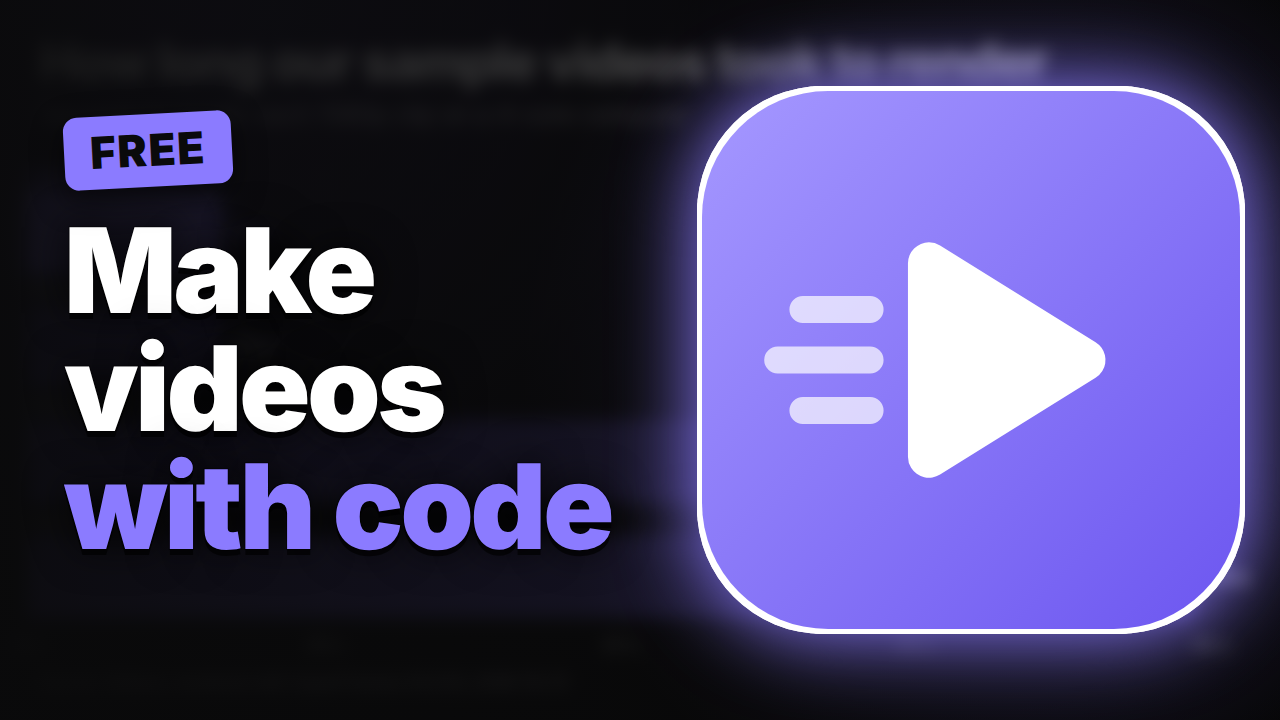
What the thumbnail looks like
- A headline set as large as it fits, with one phrase in your accent colour.
- An optional tilted badge above it, such as “Free” or “Part 2”.
- Your background picture, darkened behind the text and optionally blurred.
- A subject on the other side with a white outline and a glow.
The image above is the real file this skill made, shown at full size.
How it works
- Download the skill and put it in your agent’s skills folder (the steps are above).
- Ask, for example: “Make a thumbnail for my video I tried 5 budget mics, highlight 5 budget mics, with my cut-out photo on the right and a frame from the video behind.”
- The agent renders the PNG and checks it at the size most viewers see it.
Make two or three versions with different headlines and keep the one that still reads at phone size.
Questions
- Is the YouTube thumbnail skill free?
- Yes. The skill is free to download and renders on your own computer with HyperFrames, so there is no API key and no cost per thumbnail.
- What size and file size does it make?
- A 1280x720 PNG. YouTube takes thumbnails up to 2 MB from the mobile app and 50 MB on desktop, so the script keeps the image under 2,000,000 bytes and saves a JPEG instead if a PNG would pass that. Our sample is 496 KB.
- Does YouTube want bigger thumbnails now?
- YouTube's help page now recommends up to 3840x2160 and needs at least 640 pixels wide. 1280x720 is above the minimum and works on every surface.
- Will the video length cover my text?
- No. The text box stays above the bottom strip, where YouTube shows the time stamp in the bottom-right corner.
- Can I use a photo of a person?
- Only with their permission. A cut-out PNG with a transparent background gets an outline that follows the person's shape.
Sources
- YouTube Help, Add video thumbnails (sizes, formats, 2 MB mobile and 50 MB desktop limits) (checked 2026-10-31)
- HyperFrames on GitHub (Apache-2.0); skill tested with hyperframes 0.8.223 (checked 2026-10-31)